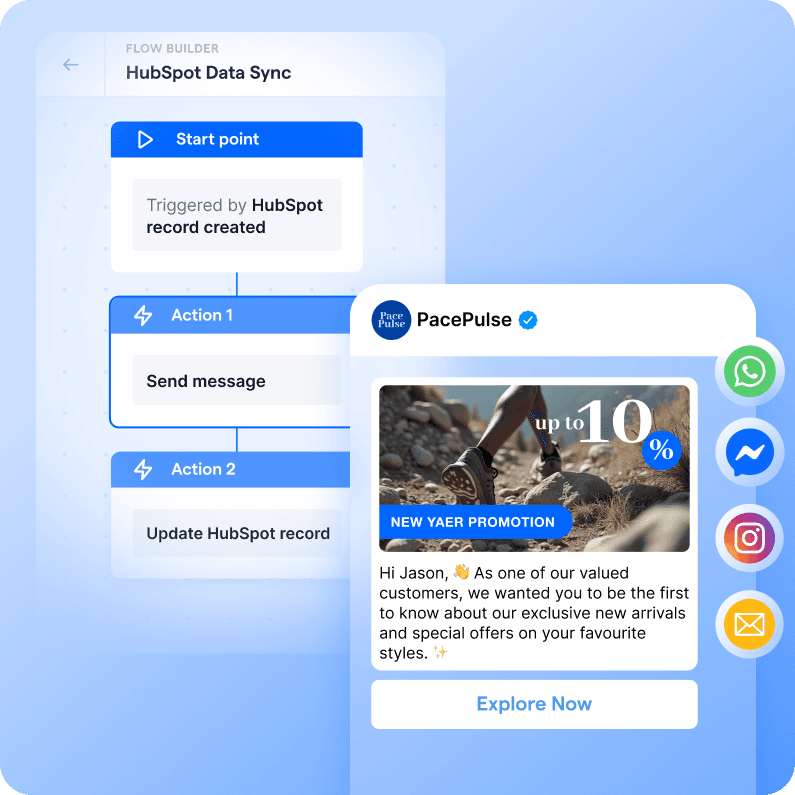
{{__phrase_message__}}
Engage HubSpot contacts on WhatsApp and SMS with 90%+ open rates. SleekFlow AI agents qualify, nurture, and follow up, while HubSpot captures every interaction.


{{__phrase_table-of-content__}}
HubSpot's official integration fires basic messages from workflows. It can't run multi-step conversations across channels, answer complex product questions with AI agents, or hand off to a human mid-chat. SleekFlow does. Here's how to set it up.
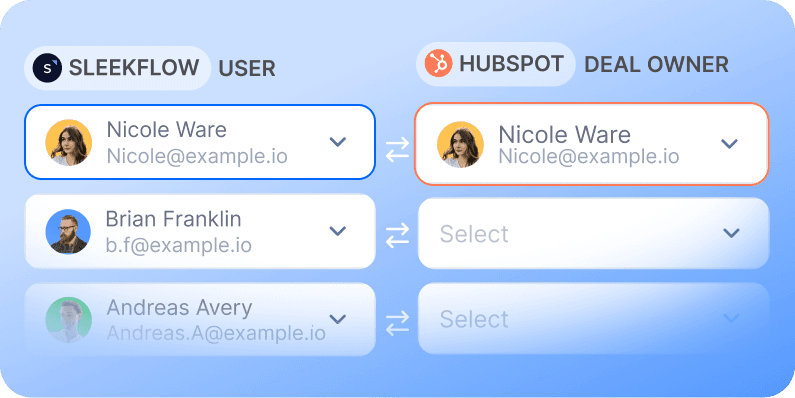
Connect HubSpot and map contact owners
Link your HubSpot account in a few clicks and map owners so every lead lands with the right rep on both sides. Use your HubSpot Sandbox to test before going live.
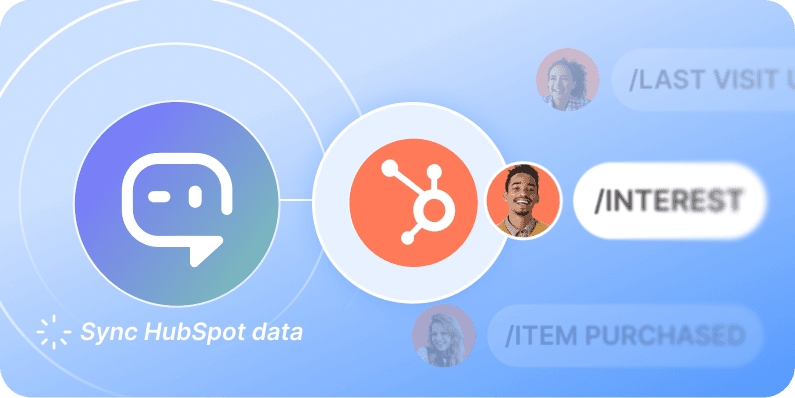
Train the AI agent on your HubSpot data
The agent learns from contacts and custom objects. Human reps see the same full customer profile next to every chat — no tab switching.
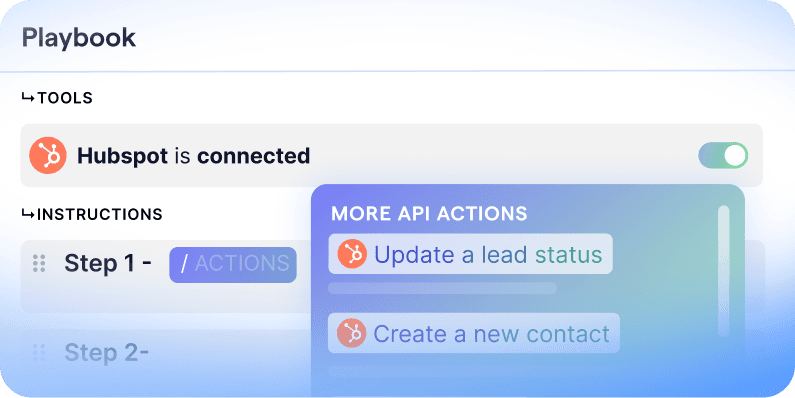
Write the AI playbook
Tell the agent what to do with your HubSpot data: send a quote, update a lifecycle stage, book a demo, escalate to sales. The playbook controls every action across every channel.
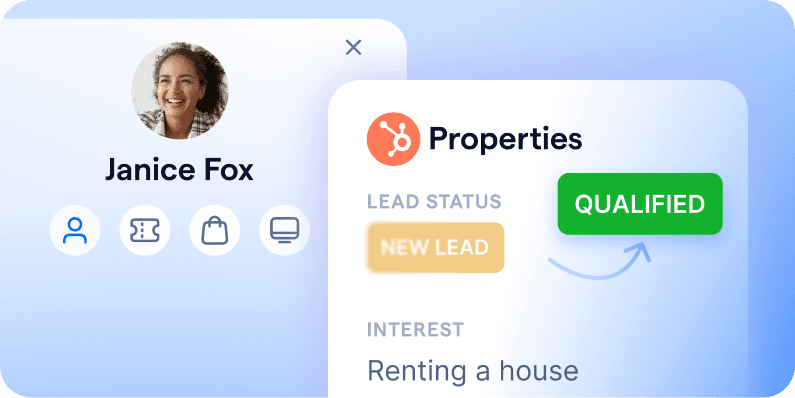
Sync updates back to HubSpot
Trigger SleekFlow workflows from HubSpot property changes, and push chat outcomes — lead status, booking dates, deal stage — back to HubSpot in real time.
Build conversational AI agents that take action in HubSpot
Most chatbots only answer questions on one channel. SleekFlow AI agents work across WhatsApp, SMS, Messenger, Instagram, and email, pull data from your stack, and take action inside the conversation.
Turn inquiries into qualified leads
Qualify in the conversation, not a form
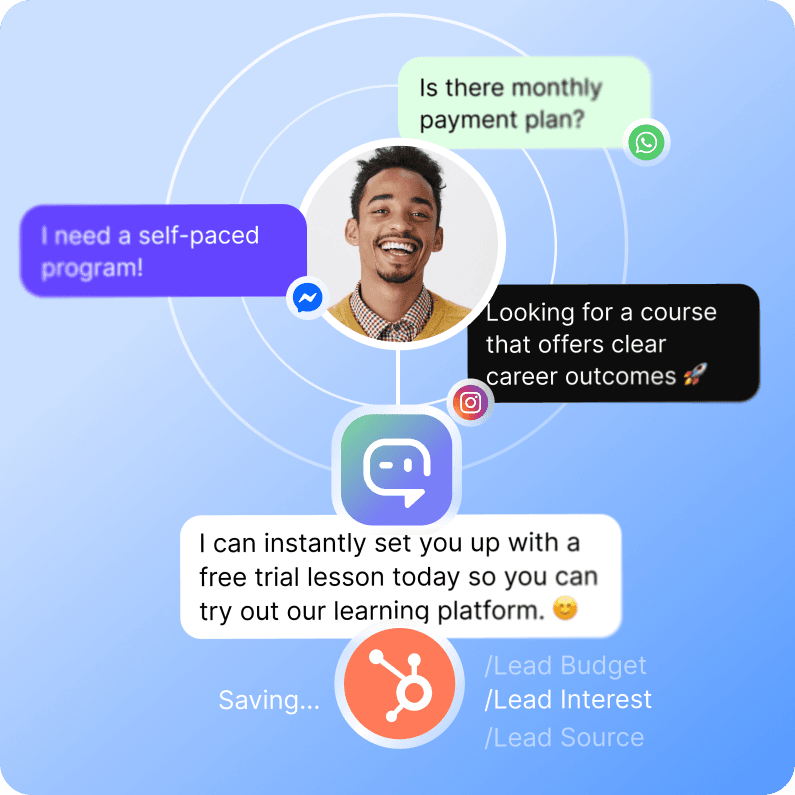
AI agents collect name, intent, and budget through natural chat, without the friction of a 12-field signup form.
Meet leads on their channel
Prospects chat where they already are, on WhatsApp, Instagram, or wherever they arrived, and answer one question at a time so fewer drop off.
Hand off while intent is hot
Push qualified leads into HubSpot the moment the chat ends, so reps can follow up before interest cools.
Route every lead to the right sales rep, fast
Assign from one shared inbox
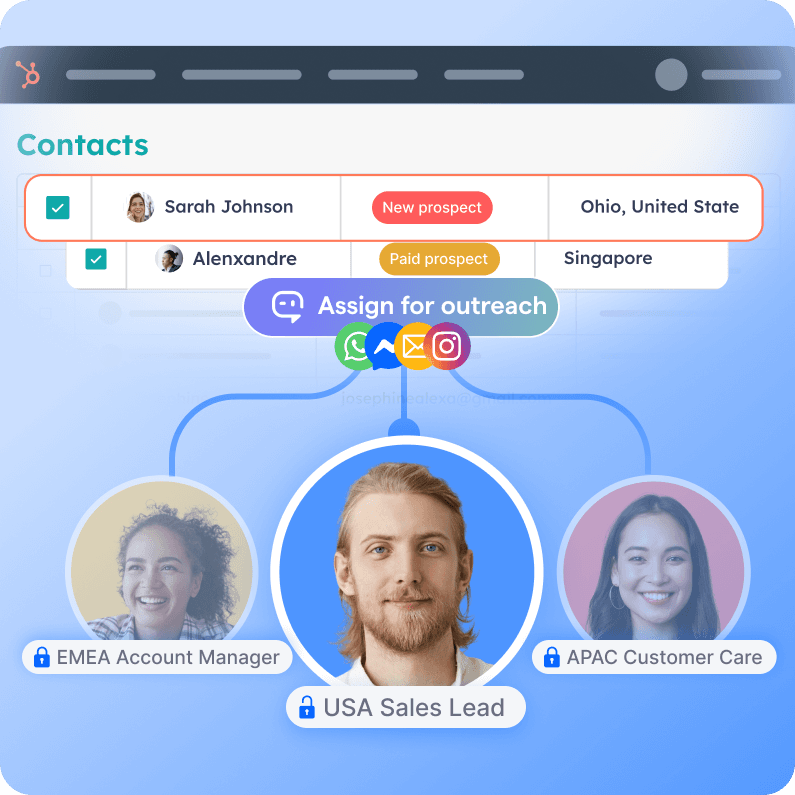
Send HubSpot leads into a shared team inbox that pulls every channel into one view, with assignment rules that route each lead to the right rep by territory, language, or deal stage.
Never leave a lead waiting
Route new leads the moment they land, so the first response goes out in minutes, not after a lead has gone cold in a queue.
Give reps full context on assignment
Each routed lead arrives with its HubSpot record and full conversation history in view, so the rep picks up exactly where the lead left off.
Send promos that actually get read
Reach them where they read
Message customers on WhatsApp, SMS, Messenger, and Instagram, where engagement can be 3 to 4x higher than email.
Trigger from HubSpot property changes
Re-engage cold leads, win back lapsed customers, or follow up on abandoned purchases automatically when a HubSpot property changes.
Nurture from live CRM data
Enroll HubSpot contacts into multichannel drip campaigns personalized live from their contact and custom object fields.